August 23, 2026
Dictation vs Transcription for Journalists: 2026 Guide
Use one tool for recorded source material and another for the writing that happens around it.
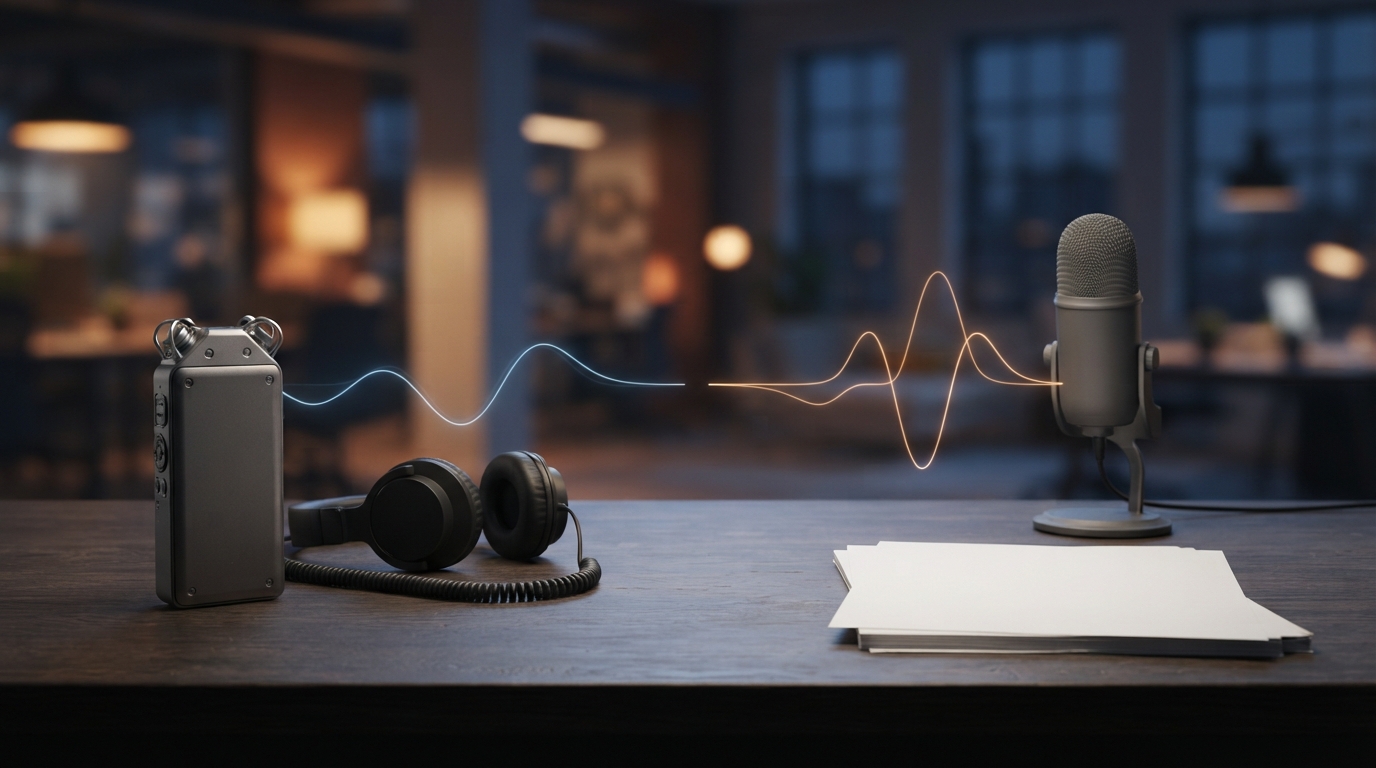
Journalists often use one speech tool for two different jobs. They may dictate a new paragraph, or turn a recorded interview into a searchable transcript. The tasks look similar on a feature page, but they require different software and different habits.
This distinction matters when you're on a deadline. A reporter who chooses a transcription service for live drafting may spend the afternoon copying text between apps. Someone who uses a dictation tool for a 45-minute interview may lose speaker labels, timestamps, and links to the original audio. In most cases, the better setup is to use two simple tools together.
Dictation and transcription solve different problems
Dictation turns your live speech into text you can edit right away. It works well for story drafts, interview questions, emails to editors, captions, source follow-ups, and notes after a call. Good dictation software for journalists should work in the app they already have open, instead of sending every sentence through a separate browser tab.
Transcription starts with recorded speech. It works for interviews, press conferences, hearings, podcasts, and field recordings. A useful transcription tool keeps the audio linked to the text, identifies speakers when it can, adds timestamps, and lets you return to the exact moment behind a quote.
That difference gives you a simple rule: use dictation when you’re the author, and transcription when the recording is the source.
Use transcription for interviews and source material
For recorded interviews, treat the transcript as an index, not the final authority. Automated transcription can mishear names, numbers, accents, interruptions, and short answers. Check every quote against the recording before publication, and keep enough surrounding audio to understand the tone and context.
Tools designed for recordings make this easier. Otter says it can import audio and video, create searchable text, and export files in formats including TXT, DOCX, PDF, and SRT. Descript links transcription with audio and video editing. Both approaches are more useful for reviewing interviews than a live dictation box that only returns plain text.
Make the privacy decision before uploading, not afterward. Newsrooms should know where recordings are processed, how long files are kept, who can access shared workspaces, and whether their confidential-source policies permit the service. If a recording cannot leave a device or newsroom system, use an approved local workflow instead of assuming every cloud transcription tool is acceptable.
Use dictation for the work around the interview
The interview may last an hour. The rest of the reporting day involves dozens of short writing tasks: an email pitch, questions in a document, notes in a CMS, a message to an editor, and a first draft in Word or Google Docs. That’s where journalist dictation software proves useful.
Built-in options handle part of that task. According to Google’s support page, Google Docs voice typing works in current versions of Chrome, Edge, and Safari. The browser manages the speech service and sends the transcribed text to Docs or Slides. That works if you write in a supported browser, but it won’t carry over to a desktop CMS, Slack, an email client, or another editor.
Windows voice typing starts with Windows key + H and enters text into the focused field. Microsoft says it requires an internet connection and uses online speech recognition. Apple Dictation is built into macOS and works across apps. These are sensible first tests because they cost nothing extra.
Test the handoff, not just the transcript
Accuracy demos usually stop when words appear on screen. A newsroom workflow begins there. Test what happens as you move between the places where the story is actually produced.
Try the same 90-second reporting task in your notes app, email, CMS, and chat tool. Include a person's name, an organization, a date, a dollar figure, and one sentence you correct halfway through. Then check:
- Does text land at the active cursor without a copy-and-paste step?
- Can you correct a bad phrase without rebuilding the paragraph?
- Does the tool handle names and beat-specific vocabulary?
- Can you switch apps without restarting the microphone?
- Does it preserve punctuation without rewriting your voice?
- What happens when the connection drops?
This test reveals problems that a clean demo document can hide. A tool may produce accurate text but still feel slow if every paragraph has to pass through its own editor.
A practical two-tool newsroom setup
Keep the system simple. Record source material with the newsroom's approved recorder. Send the file to an approved transcription tool, then use the transcript to search. Check quotations against the audio, and keep the original recording according to the newsroom's retention rules.
For your own writing, use hold-to-talk dictation in the active app. Short bursts work better than narrating a whole article in one take. Dictate one thought, review it, check the facts and names, then continue. This keeps you involved in the writing and makes it easier to change direction as the reporting develops.
Build a vocabulary list for recurring names, neighborhoods, agencies, technical terms, and publication-specific style. Don’t treat AI cleanup as a substitute for editing. It should fix transcription quirks such as punctuation, filler, and repeated words without changing the claim or removing uncertainty.
Where DictaFlow fits
DictaFlow handles dictation in this setup, not interview transcription archives. Hold a hotkey, speak, then release it, and the text appears at the cursor in Mac or Windows apps. It also has a native iOS app, with native Android app access. App-Aware formatting can adjust the cleanup for the active app, and the Knowledge Base can store recurring names and terms.
Local processing keeps dictation working without an internet connection. Cloud processing is private too and provides the full feature set. For reporters moving between a CMS, email, notes, and locked-down remote systems, the main benefit is consistent text insertion, not another place to store drafts.
The DictaFlow comparison page explains how it differs from built-in dictation and other paid tools. The getting started guide walks through setup and the first hold-to-talk test. Pro costs $7/month or $69/year, but the free tier lets you test the workflow before changing how you write.
The short answer
Journalist dictation software and interview transcription software aren't the same thing. Use transcription to search recorded source material and revisit the audio behind a quote. Use dictation to draft, send messages, take notes, and write directly in the tools where your story takes shape.
Trying to make one app handle both jobs usually creates friction. A small setup with two tools is easier to verify and secure, and much faster to use under a deadline.