July 18, 2026
I Saw a Dictation Bug Where the Text Simply Vanished
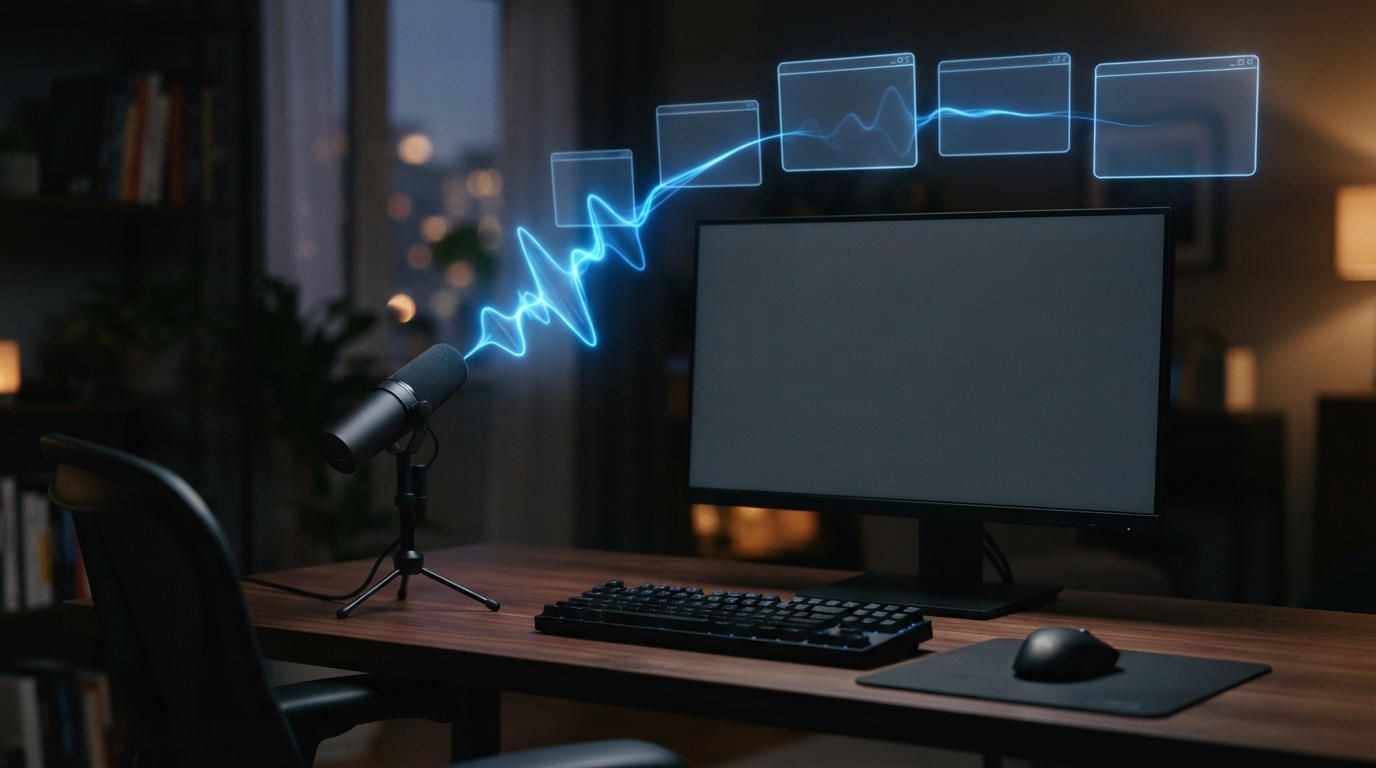
The transcript arrived but the message did not
One AppleDevelopers post stopped me because the failure was so specific. The writer said Wispr Flow still showed the transcription in its popup after a macOS update, but the words did not arrive in Slack, Notion, or VS Code. I can picture the moment: you speak, you watch the app understand you, then you look back at the actual field and there is nothing there.
I am not claiming that every Mac had this bug. I am saying that this is the kind of report I pay attention to. Speech recognition is only half the job. The text has to land where the work is happening.
Why I do not trust a clean demo anymore
Every dictation demo works in a friendly text box. My day does not happen in one. It happens in a browser, a chat app, an editor, a remote desktop, and whatever weird little form an internal tool has built. Native apps, Electron apps, web fields, and remote sessions do not all behave the same way.
So when I test a voice tool, I do not start by reading the feature page. I dictate a short message into the five apps I use most. I move the cursor. I switch windows. I type after dictation. I restart the app. It is a boring test, but it tells me far more than a polished video does.
What I would ask for
I want vendors to be blunt about compatibility and fast about failures. If text reaches the transcript but not the application, that is not a minor edge case. It is the feature failing at the last yard. That is the part that should get fixed first.
The moment I would lose patience
If I saw a transcript pop up in a floating window and then vanish before it got into my message, I wouldn’t care that the speech model technically worked. I’d care that I still had to start over. That’s what people mean when they say a voice tool breaks their flow. They don’t mean the app crashed in some dramatic way. They mean it made them do the job twice.
What’s annoying is how hard these failures are to describe. A user says dictation stopped working, but support needs to know whether the microphone failed, the transcript failed, the paste failed, or focus moved. I wish more tools showed those stages clearly, because then people could report an actual problem instead of just waving at a mystery.
What I would do after an update
I’d keep a tiny post-update ritual: dictate one sentence in my chat app, browser, editor, and any remote workspace I use. If something breaks, I’ll know before a deadline or a customer message gets thrown off. It sounds a bit fussy, but software that sits between a person and every text field deserves a five-minute check after the operating system changes.
The longer I use voice tools, the less impressed I am by a perfect demo. I want the boring result: the text appears in the right field, at the right time, every day.