AI writing and productivity
ChatGPT Work Voice Notes Still Need a Clear Review Step
ChatGPT Work can act on tasks. Voice notes capture intent, but a deliberate review step keeps AI drafts from becoming decisions.
August 31, 2026
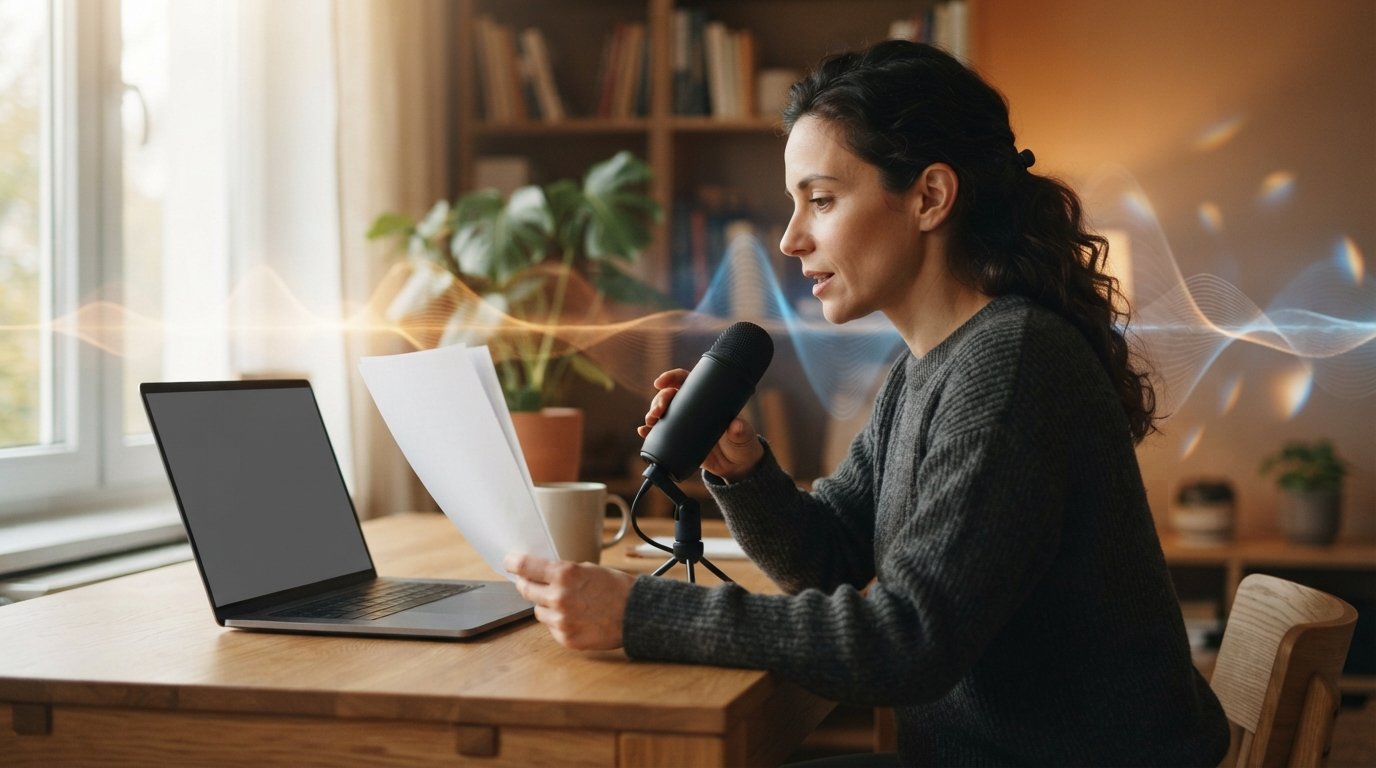
OpenAI's newer ChatGPT Work product has become a live topic again because the tool is no longer just a chat box. Simon Willison's August 30 walkthrough describes a cloud version with a browser, code execution, persistent files, publishing, and sub-agent sessions. His central point is that the name hides a lot of different behavior.[1]
That is why the useful question is not whether an AI agent can draft an email, build a brief, or complete a routine workflow. It can often get surprisingly far. The question is where a person's rough thinking enters the process, and where that person stops accepting the machine's tidy version of it.
The current Hacker News discussion shows why this matters. One commenter described giving the tool voice instructions and having it draft emails from connected Gmail context. Another described talking through initial reactions before the system prepared replies. Those are useful reports of individual workflows, not proof that the feature works the same way for everyone.[2]
The new bottleneck is not typing speed
A capable work agent shifts the bottleneck. It can gather files, follow a template, draft a response, and hand back something presentable. What it cannot reliably know is which half-formed concern matters, what background should stay private, or whether a polished sentence quietly changes your position.
That is where voice is useful. Speaking is a fast way to get the unstructured part out of your head: "tell the client the date is possible, but do not promise the scope," or "pull the numbers, then flag anything that depends on last quarter's assumptions." These are not finished prompts. They are working notes.
A short spoken note also has a useful limit. It records the decision-making context without turning a half-finished thought into a long prompt that looks more settled than it is. The person who said it can still see the words, edit them, and decide whether the task is ready to hand off.
The problem starts when spoken working notes go straight into a system that can take action. Speech is messy by nature. People revise themselves, hedge, and change direction in the middle of a sentence. A good workflow should preserve that raw intent without treating every loose phrase as approval.
Keep capture and action separate
The cleanest pattern has three steps.
First, capture the thought in a place you can inspect. A hold-to-talk dictation tool is useful here because it puts a short note wherever the cursor already is: a task, a draft email, a document comment, or a prompt field. DictaFlow is built for that smaller input step. It inserts dictated text into the active app, rather than pretending to make decisions for you.
Second, turn that note into a bounded request. Instead of "handle this," write what the system may do, what it must not do, and what needs your sign-off. A task can prepare a draft, collect a file list, or point out missing information. It should not quietly send, publish, file, or commit work just because the surrounding language sounded confident.
Third, review the output where consequences are visible. Read the draft in the email client. Open the edited document. Check the fields before submitting a form. This sounds obvious, but it is the whole point of using a work agent instead of an autocomplete tool. The agent has more reach, so the review step needs a real place in the workflow.
What a useful voice note sounds like
The best voice notes for an agent are specific about the job but plain about uncertainty. Try something like this:
- Draft a reply using the attached proposal. Keep the price unchanged. Leave the delivery date as a question for me to answer.
- Summarize these meeting notes into action items. Mark anything that sounds like a decision but does not name an owner.
- Prepare the status update from the project folder. Do not send it. Put any missing numbers at the top.
Each instruction gives the tool a task and leaves a clear review surface. It also avoids the bad habit of asking an agent to "take care of it," then discovering later that it made a reasonable but wrong assumption.
A short test before you connect more tools
Before giving any work agent broad access, run one boring test. Pick a low-risk task with a known answer. Give it a short voice note, then compare the final draft with your original intent.
Check four things:
- Did it preserve constraints such as price, date, names, and audience?
- Did it surface uncertainty or bury it in confident prose?
- Is the output easy to review in the destination app?
- Can you stop before an external action happens?
If any answer is no, shrink the task. More connectors and more autonomy do not fix a fuzzy request. They amplify it.
The part worth keeping human
ChatGPT's public overview presents the product as a place to ask questions, write, create, and get things done.[3] That broad promise is exactly why people need a small boundary around their own words. The agent can do the mechanical follow-through. You should still own the intent, the exception, and the final approval.
Voice dictation fits that boundary well. Use it to catch the thought while it is still alive, turn it into editable text, and then give the agent a defined job. The point is not to keep every task manual. It is to make sure the fast part does not erase the part only you can judge.