ChatGPT Shared Link Flaw: Safer Draft Handoffs in 2026
A patched browser flaw raises a practical question: does this draft review need an interactive conversation?
October 31, 2026
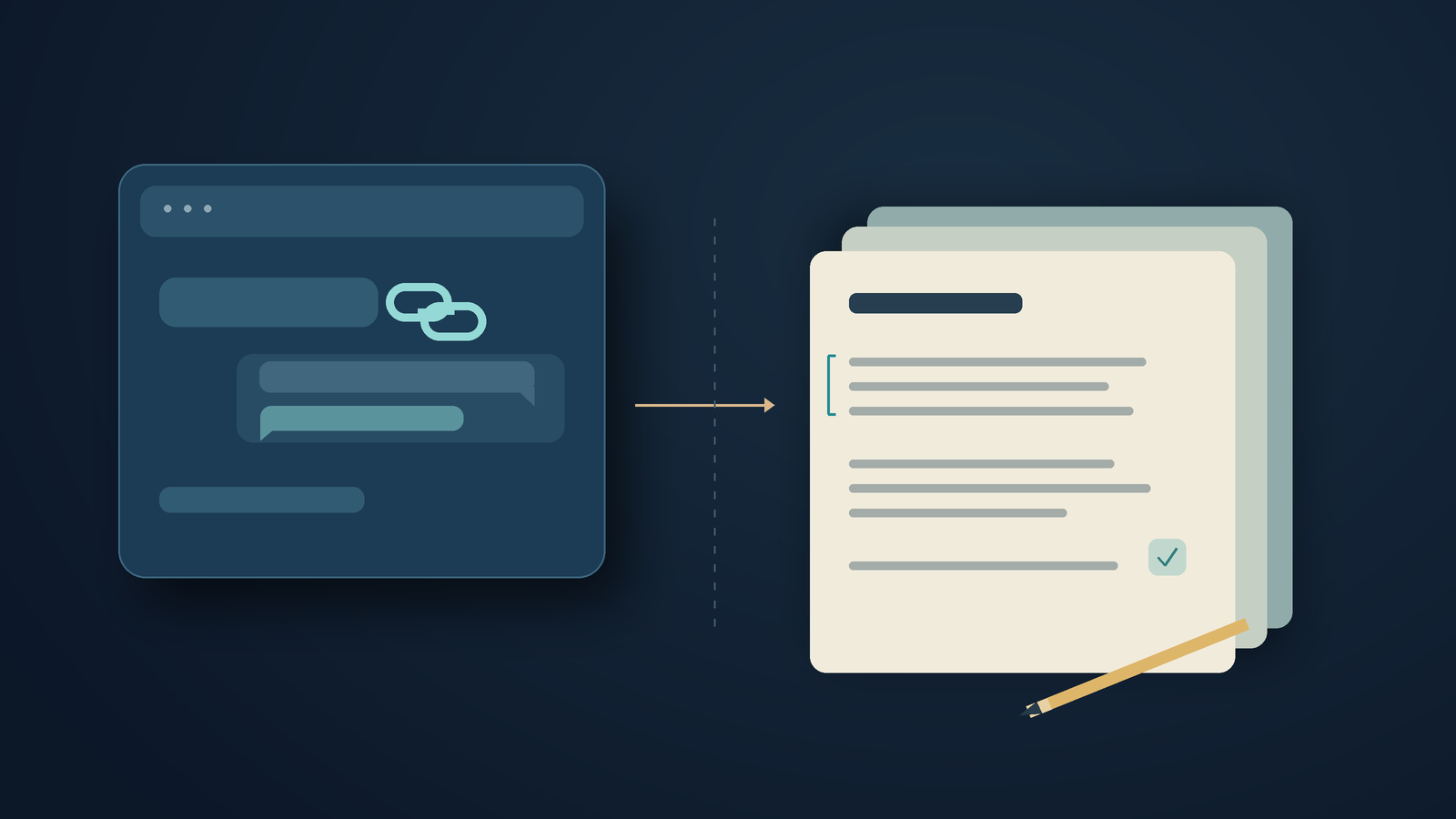
The ChatGPT shared link flaw let researchers access private conversations through a malicious shared chat. Parameter reports that OpenAI fixed it on October 26, 2026. The flaw has been patched, and this doesn't mean ordinary shared links are exposing accounts now. For writing teams, the question is whether a reviewer needs to interact with the conversation at all.[1][2]
The research made Hacker News's front page on October 31. The captured submission had 106 points, and The Hacker News published a separate report that morning.[9][2] The disclosure dates to October 28, so a frightening headline may appear days after the repair.
For most draft approvals, I'd send the passage and question first. I'd include interactive material only if the reviewer needs it. That's a suggested handoff habit, not a claim that copying text fixes browser vulnerabilities.
What the ChatGPT shared link flaw showed
Parameter's researchers created a shared conversation with a graph and an HTML preview. In a controlled test, they accessed a private conversation in another account and sent a small part of it to their own server. The other account had never shared the conversation with them.[1]
The writeup gives two ways to reproduce the issue. The most reliable was to open the link and click Preview once. A later version opened Preview automatically. Parameter's timeline says OpenAI confirmed the fix on both affected web frontends on October 26.[1]
The report is concerning, but it doesn't say whether any ordinary users were targeted or, if so, how many. Independent coverage describes a controlled demonstration, not an observed campaign.[2] Neither source supports the claim that users' drafts were stolen.
I wouldn't describe this as the model following a malicious prompt. The reported failure occurred when browser code crossed from an embedded preview into the signed-in page.[1] Telling the model to ignore instructions in source material wouldn't fix that boundary in the browser. Keep the distinction clear when you discuss the story with colleagues.
Send the review question with the draft
A fictional marketing team is preparing a launch announcement. The writer asks an assistant for a few opening options, rejects most of them, then sends the conversation to an editor. The editor only needs to approve the second paragraph and check a date. But the handoff also contains discarded claims, alternate wording, and perhaps an interactive mockup that has nothing to do with either task.
A short note may be all you need: "Please review paragraph two for tone. The release date is still awaiting confirmation. Don't approve the announcement for publication yet." Add the proposed paragraph below the note. Mark the file as a draft and include a version date so the reply can refer to a specific passage.
This keeps the review manageable. The editor can see what needs a decision without sorting through the whole conversation. The request also tells the editor which wording is still under consideration. A polished answer elsewhere in the thread can stay outside this approval.
Keep supporting evidence alongside the passage when needed. If an announcement says a feature works offline, include a verified source from the product maker. Mark dates as uncertain when they haven't been confirmed. Copying an answer into a document doesn't verify its claims. Even a plain-text handoff needs source checks and careful handling of confidential information.
For this fictional team, I'd retain the exploratory conversation separately. If the editor asks, it can show how the wording changed. The approval request should link to the current passage, so no one needs to open the full research session.
When a screenshot hides what needs testing
A designer testing a form with a keyboard needs the working form. Someone checking a chart may need access to its data and controls. A screenshot may hide what they need to test.
State the task clearly. Send the draft by itself, then explain what the interactive artifact does and why the reviewer needs it. Use your organization's approved review environment rather than improvising an account setup from a blog post. This article doesn't test which environments would have stopped Parameter's chain.
If you only need approval for the text, skip the HTML preview. If reviewers just need to check an error message, include its wording in the request. Asking them to launch a prototype adds work without answering any other questions.
Screenshots don't always give reviewers enough to work with. When you can, provide selectable text so they can quote a sentence, search for a name, or use their usual reading tools. State the chart's relevant conclusion in words and keep its source. Include a screenshot when the chart's appearance matters to the review.
The flaw in ChatGPT shared links has been patched, but it's still a reason to rethink handoffs that don't need interaction. That doesn't mean documents, PDFs, or other sharing services are always safe. Choose a format that suits the review task, and keep using the usual checks for it.
Dictate the review request into an editable field
If you know what needs checking but keep putting off explaining it, dictate your request instead. Put it in a separate field, then read it over and attach the passage. Don't list every idea you rejected.
On desktop, DictaFlow lets you hold a shortcut, speak, and release it to add text to the active writing field.[8] In this hypothetical launch example, the writer could dictate the request into a document comment or email. Check the destination before you speak, then review the text once it appears.
Voice input won't make a shared conversation safer. DictaFlow doesn't fix the reported vulnerability, and pasting its output into a browser won't change how that browser handles security. You can type the same request instead. Send the exact passage and ask a clear question about it.
When you send your next draft, ask the recipient what they need to review. If it's a paragraph, include its source and any open questions. If it's a working prototype, label the test and follow your team's review process. Keep the October 26 repair date beside any link to this incident so colleagues don't mistake the disclosure for an active warning.
Disclosure: AI wrote this DictaFlow editorial. The handoff examples are hypothetical. We didn't reproduce the vulnerability or test a security product.
Sources
[1] Parameter: original research, October 28, 2026
[2] The Hacker News: independent coverage, October 31, 2026
[8] DictaFlow: current desktop dictation workflow
[9] Hacker News: submission record captured October 31, 2026