November 16, 2026
Bitly Link Hijacking: Check Document Citations in 2026
An old short link can still look familiar after its destination changes. A source check belongs in the writing workflow.
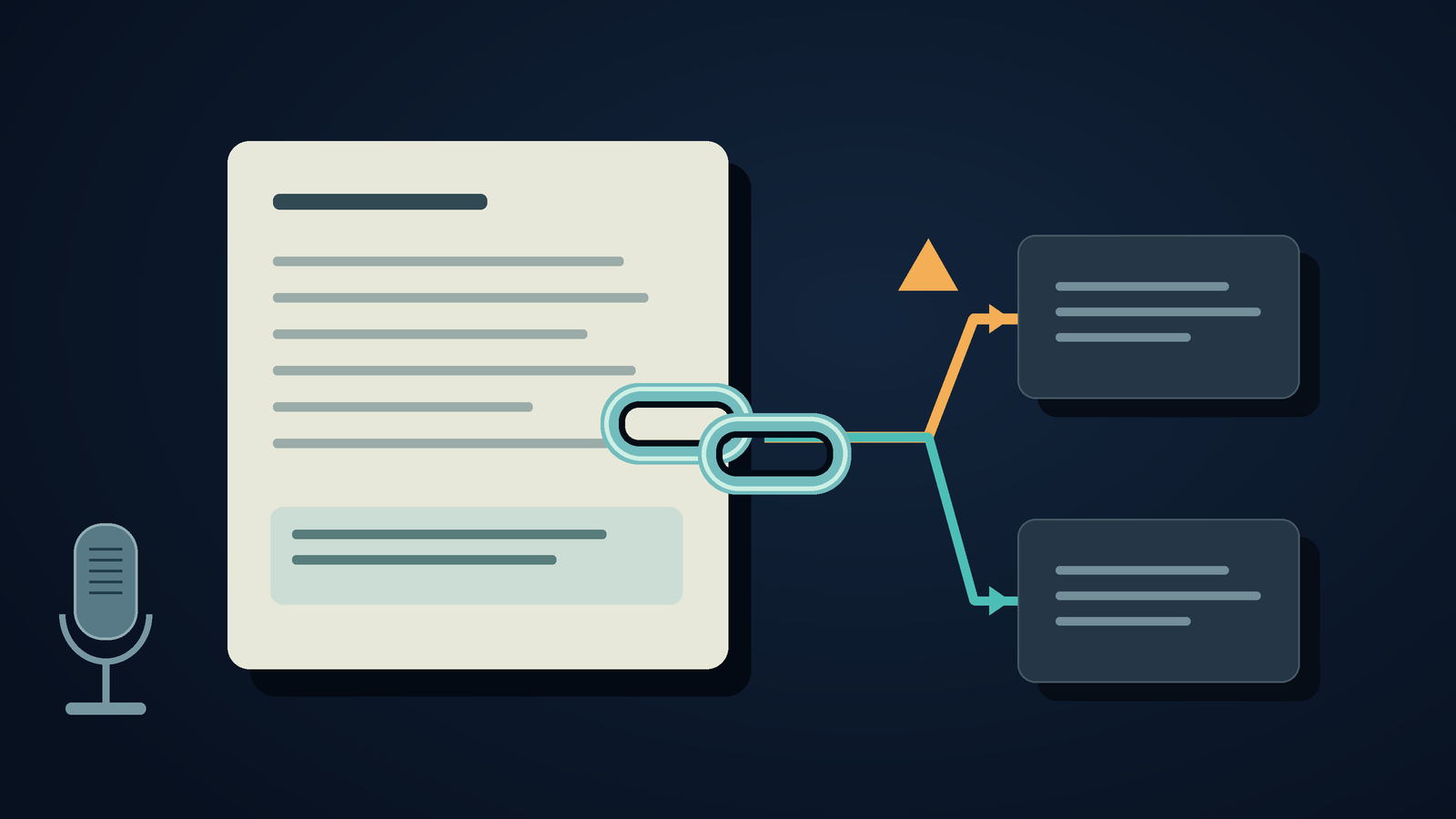
Bitly link hijacking can send readers from an old, genuine post to a place its author never intended. Before reusing a shortened link in a document, check where it goes now and which passage it supports. Save the publisher's full source URL in your research notes. Bitly acknowledged misuse of certain old, inactive links on November 15, 2026.[9]
People were still following the incident on November 16. That morning, Malwarebytes published an explainer, and CNN's video page described affected corporate and government posts. The Hacker News submission captured during this research had 339 points and 173 comments. Those figures reflect attention, not the number of affected links.[1][7][10]
I'm interested in the quieter effect on writing. Someone can carefully keep a quotation and copy the same citation into a new draft, yet still send readers to a page that has changed. The citation needs another look, even when the author is familiar.
What Bitly confirmed, and what remains uncertain
In a November 15 statement, Bitly said bad actors could reuse some old, inactive links. The company said it had suspended the accounts involved and was disabling the affected links. We retrieved the statement through X's public embed endpoint, but the text cuts off in the middle of its final sentence. The visible portion confirms the response described here.[9]
On November 15, Ransomnews published a detailed investigation, later checking its findings and explaining its method. It distinguishes links that led somewhere unexpected from recreated links that seemed to keep their intended destination. The sample covers one account, so it can't show how many old Bitly links were vulnerable overall.[6]
Malwarebytes also says attackers changed where genuine brand posts sent readers, without editing the posts. The article credits earlier reporting and doesn't claim a separate forensic investigation.[1]
The reports give people a reason to review old links. They don't show that every Bitly link is compromised, that your company's account was accessed, or that all affected destinations are still active today. I haven't reproduced the issue or tested an organization's link inventory.
Bitly's regular product documentation is relevant here, too. Users with permission on eligible paid plans can change a link's destination, and its QR code updates with it. The help page says redirect history shows earlier destinations and when each was active.[3] Editing a link is a legitimate feature. The unauthorized reuse in this incident is a separate issue.
An unchanged citation can stop supporting your sentence
Imagine a fictional training manager updating an onboarding guide. The guide has an old short link labeled "equipment reimbursement policy." Last year's author remembers checking it. This year's editor keeps the label and address unchanged, but rewrites the paragraph around it to make it clearer.
During the final review, the link goes to the company's general homepage. It looks fine, but it doesn't support the reimbursement limit in the paragraph. The editor still needs the policy, its effective date, and confirmation that the limit applies to these employees.
An attacker isn't needed for this to happen. A redirect or page edit can leave editors just as unsure. The Bitly incident is another reason for writers to check who controls a link's destination. They should first check whether the linked material still supports the claim.
Seeing HTTP 200 in your browser doesn't settle the question. An AI summary that says "source verified" isn't useful if you can't find the passage behind its claim. Open the source using a trusted route, then read the relevant section. If it takes you somewhere unexpected, stop. Don't sign in or download anything there. Malwarebytes recommends going straight to the known official site for account or payment requests.[1]
For this hypothetical guide, I'd remove the unsupported amount from the draft until the policy owner confirms it. A familiar-looking citation isn't a good reason to keep an old number rather than ask.
Keep a source note that another editor can use
Include the original shortened address, the final destination you saw, the page title, publisher, and date checked with the draft. Add the exact passage that supports the sentence. A short note will do. Save it beside the draft.
When replacing the address in the article, retain the old one in the separate source note. That helps a colleague find earlier copies of the guide and understand why the citation changed. Don't swap a broken policy reference for a homepage link without saying so, then mark the task done.
If the original page no longer has the evidence, check the publisher's site. An archive can show what an older article said, but note when it saved the page. Here, an archived copy can't confirm the current reimbursement policy. Ask the owner for the official version instead.
If you use an AI editor afterward, give it a narrow job: trim the surrounding text. Give it the verified passage and ask it to flag unsupported claims, not make up replacement citations. Check its edits against the note. A real URL may still be linked to the wrong sentence, and a confident rewrite may quietly broaden a narrow policy.
If you control the Bitly link, review its redirect history and destination.[3] If someone else owns the link, don't claim you can see their account history. Record what you can observe, and leave ownership unresolved if the evidence isn't clear.
Dictate the explanation, then attach the verified address
Long addresses are difficult to dictate. I'd dictate the explanation first, then paste in the source URL after verifying it. In the fictional onboarding guide, a draft note might say, "The old policy link now takes you to the homepage. We still need to confirm the reimbursement limit. Please send the current policy before we update this section."
This is only an example, not a real customer's message. It doesn't answer the question or suggest that anyone found the missing policy.
On desktop, DictaFlow lets you hold a shortcut, speak, then release it to add editable text to a supported field.[5] In this example, it captures a note or document comment. It doesn't check who owns a link, inspect Bitly accounts, or verify that a citation is trustworthy. Review the text before sending, especially the sentence about what remains unconfirmed.
You can type the note instead. Either way, keep its source address beside it. Don't ask a speech model to recreate a URL from memory. Before sharing an updated guide, open every changed reference in the exported document. Check that it leads to the intended passage, and still supports the cited sentence.
Disclosure: This DictaFlow editorial is based on published reports. The onboarding example is hypothetical. We did not recreate the link-hijacking issue.
Sources
[1] Hijacked Bitly links turn old brand posts into offensive redirects | Malwarebytes
[3] Bitly Support: How do I redirect a Bitly Link?
[5] DictaFlow - AI Dictation for Windows, Mac, iPhone & Android
[6] Old Bitly links hijacked in Burger King, McDonald’s and Trump tweets | Ransomnews
[7] Trump Bitly link redirected to Epstein files Wikipedia page | CNN Business