August 21, 2026
Best Dictation Software for Researchers: 2026 Guide
A practical test for proper nouns, technical vocabulary, citations, and writing across research apps.
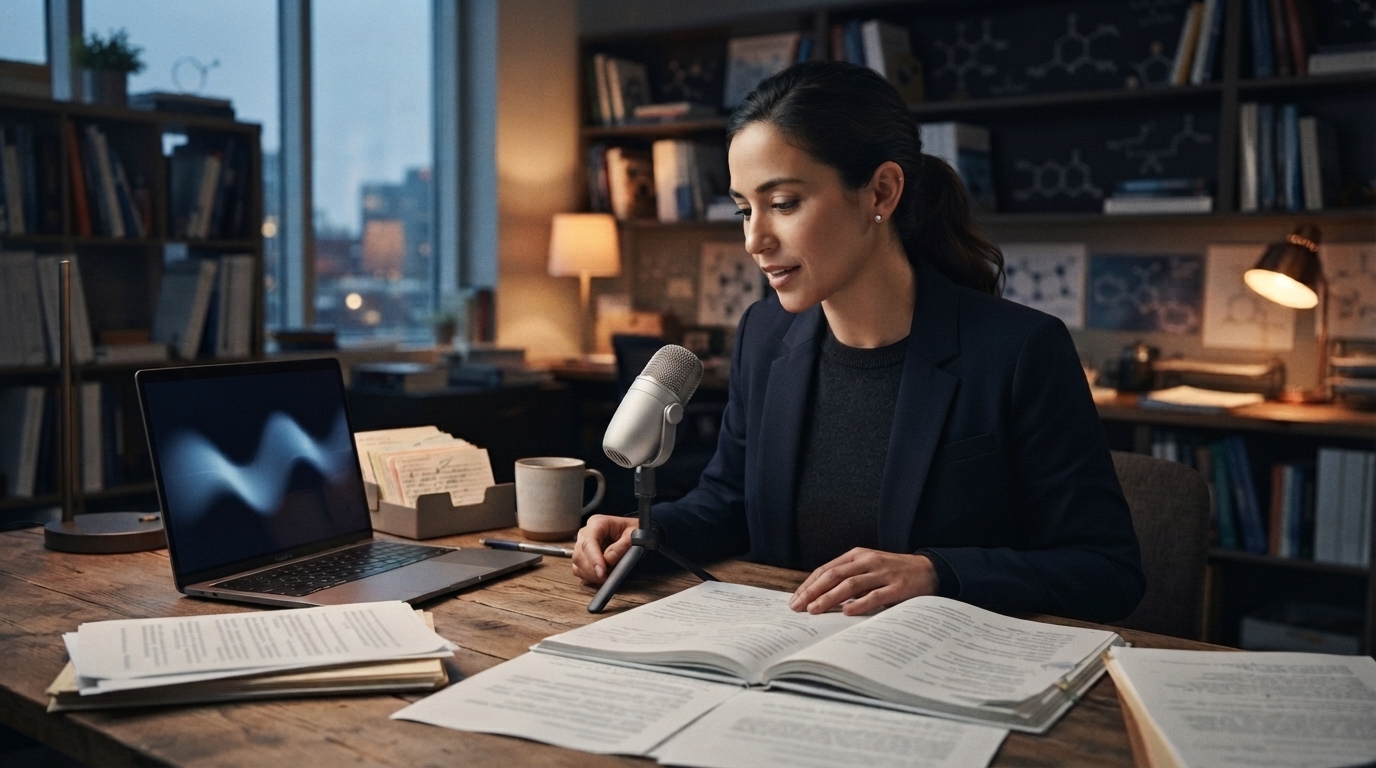
A research day rarely happens in one document. You might read a PDF, save a note in Zotero, revise a paragraph in Word or Overleaf, reply to a co-author, and then enter details in a submission form. A dictation tool may work well in a blank text box but become useless once you move between all those steps.
The vocabulary is harder too. A recent Hacker News discussion highlighted a familiar research problem: many speech recognition errors involve proper nouns and near homophones. The model may understand the sentence but still get the author, compound, species, trial acronym, or place name wrong, even though those details carry the meaning.
That’s the standard this guide uses. The best dictation software for researchers should reduce corrections in the research apps they use. Raw transcription speed matters, but it isn’t enough.
One distinction helps when comparing tools. Interview transcription turns a recording into a transcript with speakers and timestamps. Live dictation puts editable text wherever the cursor is. Researchers may need both, but a meeting transcription app is a poor substitute for writing a literature note or revising a methods section.
Start with the field-note-to-manuscript test
Write a 60-word passage about your own field. Include ten terms that generic voice typing often misses, an author whose surname sounds like a common word, one acronym, a hyphenated term, and a sentence with a number and unit. Read the same passage into every tool, and don’t quietly correct errors as you read.
Then add those terms to the tool’s custom vocabulary, if it has one, and run the passage again. This shows whether the errors were one-off mistakes or part of a process you can repeat. A system that learns Worcestershire, CRISPR-Cas9, or a collaborator’s surname is more useful than a vendor’s broad accuracy percentage.
Do one more pass outside the main document. Dictate the source summary into a reference note, turn it into two sentences for the manuscript, and write a short email update. This handoff can reveal shortcut failures, broken spacing, and tools that only work well inside their own editor.
Free dictation is useful until the work leaves the editor
Lists of the best dictation software for researchers often start with paid apps. That is backwards. Test what you already have first.
Google Docs voice typing is a good free starting point for long drafting sessions. Google's support guide covers punctuation, editing, and formatting commands in supported browsers. If you spend an afternoon drafting one section in Docs, it might be all you need.
Word Dictate is another option for Microsoft 365 users. Microsoft supports dictation in Word, with voice commands for punctuation and editing. If a lab already does all its writing in Word, it should test Dictate before paying for another app.
The trouble starts around the document. Citation notes are in Zotero, comments come through Teams or Outlook, sources sit in browser tabs, and journal submission forms use their own text fields. Google Docs voice typing and Word Dictate work in one editor, but they don't cover the rest of the research day.
Apple Dictation and Windows Voice Typing work well for quick notes and messages. They’re free, and they let you see whether speaking fits the way you write. If you dictate every day, track how long corrections take and which words you keep getting wrong. A free tool can become costly when you have to fix the same five terms in every paragraph.
When system-wide dictation becomes worth paying for
DictaFlow handles the work between those apps. Hold a hotkey, speak, then release it. Your text appears at the active cursor in Word, a browser, email, a reference manager, or another desktop app. It works on Windows, Mac, iPhone, and iPad. On Android, use the native DictaFlow app from Google Play.
For research, custom vocabulary and the Knowledge Base matter more than a flashy demo. They let you store author names, project acronyms, compounds, species names, and recurring phrases. App-aware formatting can also handle a short email differently from a dense research note, without making either sound like generic AI writing.
DictaFlow can type directly into Citrix, VDI, and Remote Desktop sessions instead of relying only on clipboard paste. This helps when a university or hospital puts grant portals, research systems, or managed desktops behind a remote connection.
Pro costs $7/month or $69/year. The free tier is enough to try the vocabulary and app-switching test first. The DictaFlow comparison covers the broader differences between the platforms and their workflows.
A 20-minute test before you subscribe
Open five places you use during a normal week: a PDF note, Zotero or another reference manager, Word or Google Docs, your email client, and a browser form. Use the same microphone and passage in each one.
Check four things:
- Did the shortcut start on the first try?
- Were the ten difficult terms recognized after you added them?
- Could you fix one phrase faster than typing the sentence again?
- Did the text land in the correct field with clean spacing?
Don’t judge the tools by the first paragraph alone. Count the corrections and app failures, too. A slightly slower tool that saves six edits and works in every field will feel faster by the end of the week.
If your work includes participant data, patient information, or unpublished sensitive material, check your institution’s rules before using any cloud service. Local processing can support dictation without an internet connection, but approval depends on the full workflow and where the data goes.
The sensible order to try these tools
Start with the free option in the editor you already use. Choose Google Docs voice typing for drafting in Docs, Word Dictate for Word, and your operating system’s voice tool for short notes.
Try DictaFlow if repeated technical terms or switching between apps slows you down. The best dictation software for researchers is the one that cuts correction time from notes through the finished manuscript, not the one that looks best in a clean demo.
Build the ten-term test before installing anything. Then follow the getting started guide and run it in the research apps you use each week.