June 10, 2026
Best Dictation Apps for Podcasters in 2026
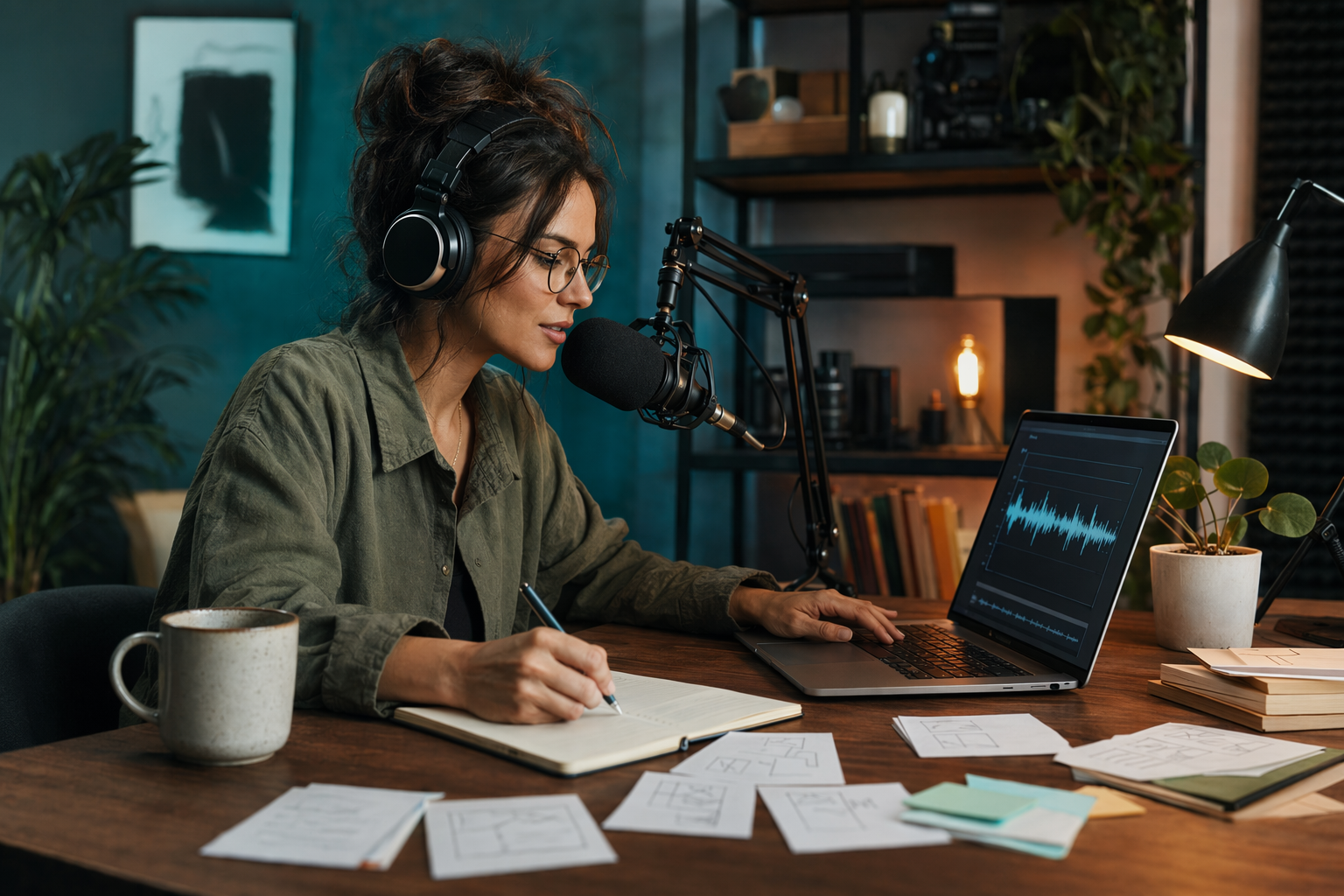
Podcasters spend a lot more time writing than people think. For every hour of audio that goes out, there are show notes, episode descriptions, guest bios, social captions, newsletter copy, and ad-read scripts that still need to get written. Voice dictation is about three times faster than typing, and if you're a podcaster grinding through text every week, switching to speech can easily save you an hour or more per episode.
But not every dictation app fits the podcast workflow. You need something that handles guest names correctly, works across multiple devices including your editing rig, doesn't add friction when you're already juggling a dozen other tasks, and doesn't cost a fortune. Here are the four best dictation apps for podcasters in 2026.
1. DictaFlow -- Best Overall for Podcasters
DictaFlow is a hold-to-talk dictation app for Mac, Windows, and iOS. Press a hotkey, speak, let go, and the text lands wherever your cursor is. No copy-paste, no window switching.
It just types. What makes it the best fit for podcasters is the mix of price and platform coverage. At $7/month, it costs less than half of Wispr Flow.
And it works across Mac, Windows, and iPhone, so you get the same experience whether you're at your desk writing show notes or on your phone drafting a social caption between episodes. The App-Aware feature is genuinely useful for podcasters. DictaFlow detects what app you're in and adapts its AI context. If you're in a notes app drafting episode outlines, it prioritizes clean formatting.
If you're in a social media dashboard writing promo copy, it keeps things short and punchy. No other dictation app does this. The Custom Vocabulary feature matters even more for podcasters.
Add your show name, co-host names, recurring guest names, sponsor brands, and industry terminology once, and DictaFlow never mangles them. Apple Dictation will butcher your guest's name the same way every single time. DictaFlow learns it right away.
There's also a free tier, so you can try it without committing. If you're a podcaster who needs to produce clean show notes, episode descriptions, and social copy across multiple devices quickly, try DictaFlow free.
2. Apple Dictation -- Free, Built-In, and Frustrating for Podcast Production
If you're on a Mac or iPhone, Apple Dictation is already there and costs nothing. For quick one-off captions or short replies, it works fine. The problems show up when you try to use it for real podcast production work.
Apple Dictation never learns custom vocabulary, so your show name, co-host names, guest names, and sponsor brands get mangled the same way every single time you use it. There's no hold-to-talk mechanic, you click a button, wait for it to start, speak, then click again to stop. That's fine for a text message but maddening when you're dictating a 2,000-word episode description.
It also only works on Apple devices. If you ever use a Windows machine for editing or running your podcast recording setup, you lose dictation entirely on that machine. For podcasters who produce content across multiple apps and devices, the limitations pile up fast.
3. Wispr Flow -- Accurate but Overpriced for Podcasters
Wispr Flow is the most well-funded dictation app on this list. It runs on Mac and Windows, uses cloud-based models, and is genuinely accurate. At $15/month, it's also more than double the price of DictaFlow for very similar functionality.
What Wispr Flow lacks for podcasters: no App-Aware context switching, no custom vocabulary that learns your terminology over time, and no Actually Override for mid-sentence corrections. It's a capable dictation tool, but for the extra $8 to $11 per month over DictaFlow, most podcasters won't see twice the value. Especially when you're already spending money on hosting, editing software, and marketing.
If you're already deep in the Wispr ecosystem and don't mind the price, it works. For everyone else, you're paying more for roughly the same results.
4. Superwhisper -- Mac-Only and Misses the Podcast Workflow
Superwhisper is a Mac-only dictation app with a loyal following. It runs local models for privacy and speed, and the accuracy is strong for general English dictation. The Mac-only limitation is the obvious problem for podcasters.
Most podcast production involves at least two devices, a primary machine for editing and recording plus a phone for on-the-go notes, social posting, and guest communication. A dictation tool that only works on one of those devices leaves gaps in your workflow. Superwhisper also costs around $8.50/month, which is slightly more than DictaFlow with fewer platforms covered and no App-Aware context switching.
It's a good choice if you're strictly a Mac-only podcaster who wants local processing above everything else. For multi-device podcast workflows, the platform limitation is hard to ignore.
Bottom Line: Which Dictation App Should Podcasters Use?
If you're on a tight budget and only use Apple devices, start with Apple Dictation. It's free and covers basic needs. You'll hit the vocabulary wall pretty quickly once you need to use show names and guest names consistently, but for casual posting it works.
If you need a tool that actually learns your show's terminology, works across every device you own, and adapts to different apps automatically, try DictaFlow free. The App-Aware feature alone saves the kind of context-switching friction that kills creative flow when you're bouncing between a show notes doc, a social dashboard, and an email draft. The Custom Vocabulary feature means your guest names and sponsor brands actually come through correctly every time, which matters more than most people think when you're publishing to thousands of listeners.
If you're already using Wispr Flow and the price doesn't bother you, it's a capable alternative. Just be aware you're paying more than double for roughly the same dictation experience.
Related DictaFlow pages
More dictation tools and setup guides.