June 3, 2026
Best Dictation Apps for Content Creators in 2026
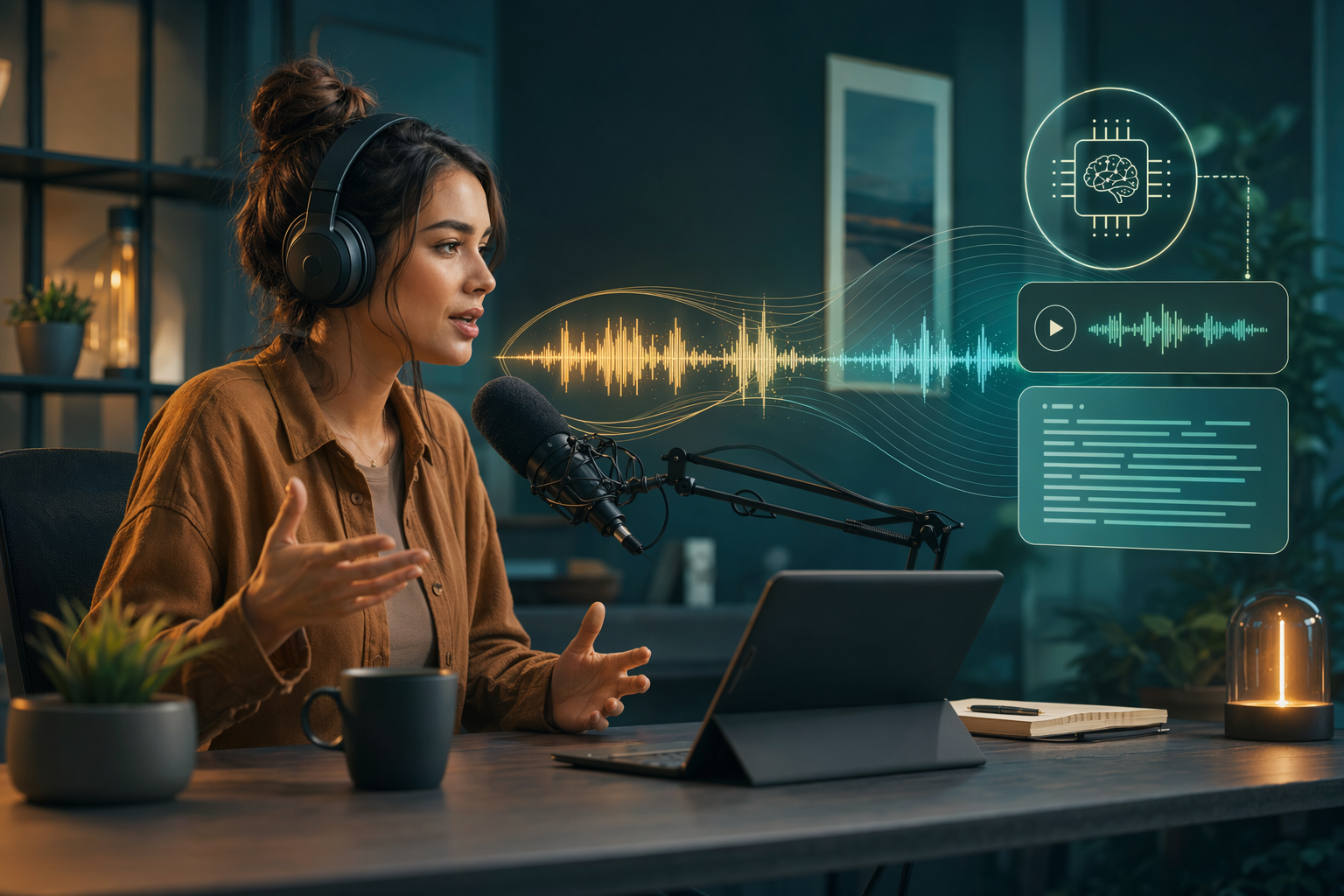
Content creators live and die by output speed. Scripts for YouTube videos, captions for Instagram and TikTok, blog posts, newsletter drafts, social replies, the amount of text you need to produce every week is staggering. Voice dictation is about three times faster than typing for most people, and for creators who spend hours hunched over a keyboard grinding out content, switching to speech can easily save an hour or two every day.
But not every dictation app fits the creator workflow. You need something that handles creative vocabulary, works across the apps you actually use, Premiere, Final Cut, Notion, Google Docs, social media dashboards, runs on all your devices, and doesn’t add friction. Here are the four best dictation apps for content creators in 2026.
1. DictaFlow - Best Overall for Content Creators
DictaFlow is a hold-to-talk dictation app for Mac, Windows, and iOS. Press a hotkey, speak, let go, and the text lands wherever your cursor is. No copy-paste between apps.
No window switching. It just types. What makes it the best fit for creators is the mix of price and platform coverage.
At $7/month, it costs less than half of Wispr Flow. And it works across Mac, Windows, and iPhone, so you get the same experience whether you’re at your desk editing video or on your phone drafting a caption. The App-Aware feature is genuinely useful for creators.
DictaFlow detects what app you’re in and adapts its AI context. If you’re in a script editor, it prioritizes clean formatting. If you’re in a social media app, it keeps things short and punchy.
If you’re in a code editor, it handles syntax. No other dictation app does this. The Custom Vocabulary feature matters too.
Add your channel name, brand terms, sponsor names, and technical jargon once, and DictaFlow never mangles them. Apple Dictation will butcher your brand name forever. DictaFlow learns it immediately.
There’s also a free tier, so you can try it without committing.
2. Apple Dictation - Free, Built-In, and Limited
If you’re on a Mac or iPhone, Apple Dictation is already there. It costs nothing. For quick replies and short captions, it gets the job done.
The problems show up when you try to use it for serious creator work. Apple Dictation never learns custom vocabulary, so your brand names, sponsor names, and creative terms get mangled the same way every single time. There’s no hold-to-talk mechanic either, you click a button, wait for it to start, speak, then click again to stop.
That’s fine for a text message but maddening when you’re trying to dictate a 15-minute video script. It also only works on Apple devices. If you ever use a Windows machine for editing or streaming, you lose dictation entirely.
For creators who need to produce text across multiple apps and devices, the limitations add up fast.
3. Wispr Flow - Accurate but Expensive
Wispr Flow is the most well-funded dictation app on this list. It runs on Mac and Windows, uses cloud-based models, and is genuinely accurate. At $15/month, it’s also more than double the price of DictaFlow for very similar functionality.
What Wispr Flow lacks for creators: no App-Aware context switching, no custom vocabulary that learns your brand names over time, and no Actually Override for mid-sentence corrections. It’s a capable dictation tool, but for the $8-11/month premium over DictaFlow, most creators won’t see twice the value. If you’re already deep in the Wispr ecosystem and don’t mind the price, it’s solid.
For everyone else, you’re paying more for roughly the same results.
4. Superwhisper - Mac-Only and Solid but Limited Reach
Superwhisper is a Mac-only dictation app that has built a loyal following. It runs local models for privacy and speed, and the accuracy is strong for general English dictation. The Mac-only limitation is the obvious problem.
Most content creators use a mix of devices, Mac for editing, iPhone for on-the-go posts, maybe a Windows machine for streaming or gaming content. A dictation tool that only works on one of those devices leaves gaps in your workflow. Superwhisper also costs around $8.50/month, which is slightly more than DictaFlow with fewer platforms covered and no App-Aware context switching.
It’s a good choice if you’re strictly a Mac creator who wants local processing above everything else. For multi-device workflows, the platform limitation is hard to overlook.
How to Choose the Right Dictation App for Content Creation
If you’re on a tight budget and only use Apple devices, start with Apple Dictation. It’s free and covers basic needs. You’ll hit the vocabulary wall pretty quickly once you start working with brand names and technical terms, but for casual posting it works.
If you need a tool that actually learns your terminology, works across every device you own, and adapts to different apps automatically, try DictaFlow free. The App-Aware feature alone saves the kind of context-switching friction that kills creative flow when you’re bouncing between a script editor, a social dashboard, and a notes app. If you’re already using Wispr Flow and the price doesn’t bother you, it’s a capable alternative.
But you’re leaving App-Aware and custom vocabulary on the table. For Mac-only creators who prioritize local processing, Superwhisper is worth a look, just know it won’t follow you to your iPhone or any Windows machine.
The Bottom Line
Content creators need dictation that keeps up with the pace. You’re not just writing, you’re scripting, captioning, drafting, replying, and publishing across a dozen different surfaces every day. The right dictation tool is the one that works everywhere you work, learns the terms you actually use, and stays out of your way.
For most content creators in 2026, DictaFlow at $7/month is the best balance of price, platform coverage, and creator-specific features. The free built-in options work for basics but fall apart once you need more, and Wispr Flow charges a premium without delivering the extras that matter most for creative workflows.