August 26, 2026
Apple M6 Macs Make Local Dictation Worth Testing in 2026
More local AI compute is useful only if dictation stays fast, accurate, and able to type where you work.
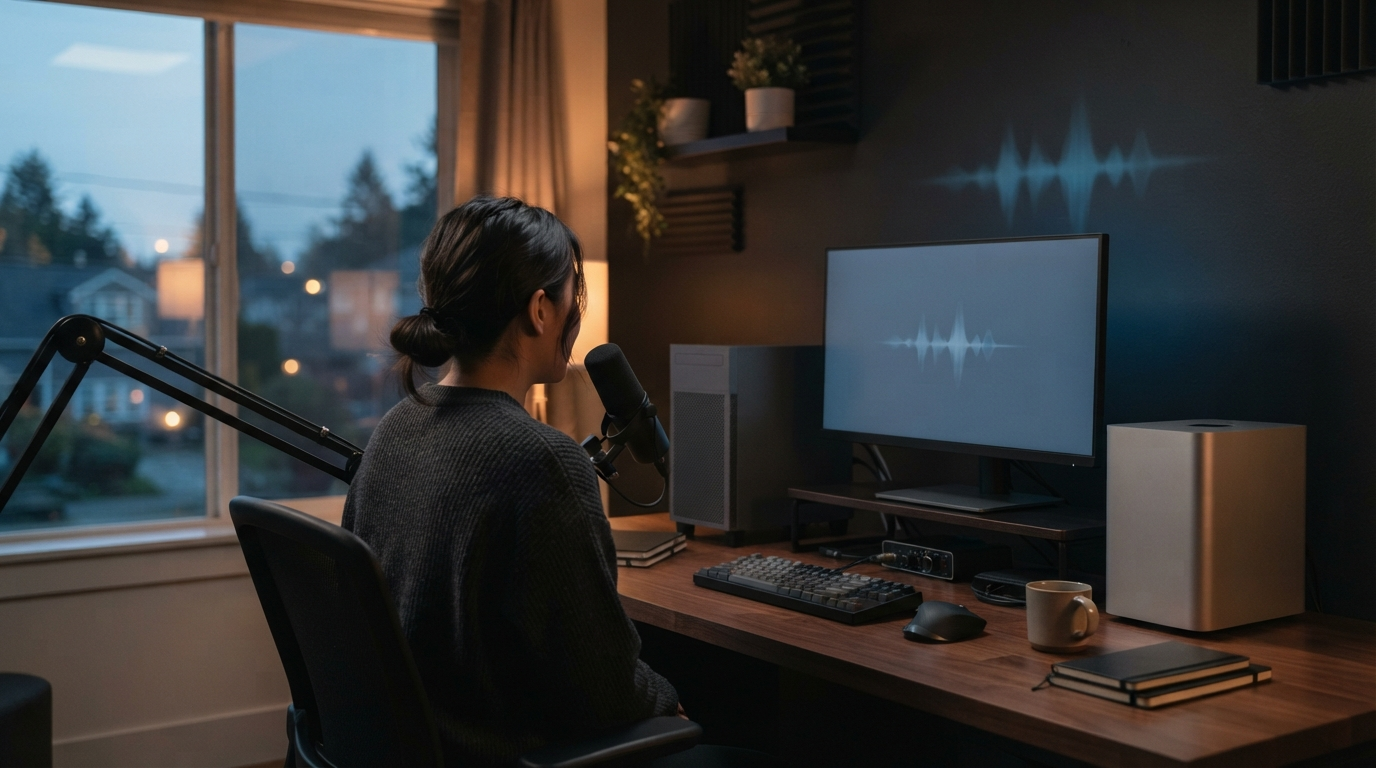
Apple's new M6 Mac mini and M5 Ultra Mac Studio make one part of the local AI conversation much more practical: try the workload before buying the promise. Apple says the M6 has a 16-core Neural Engine and that M5 Ultra can be configured with up to 80 GPU cores. The company also put those chips in new desktop Macs this week.[1][2]
That news has traction because it is not a chip announcement in isolation. The M6 and M5 Ultra launches were on Hacker News' front page on August 26, with more than 1,000 and 700 points respectively when this article was researched.[3][4] Independent launch coverage also centered on Apple's push to position the new desktops for local AI.[5]
For someone who dictates all day, the useful question is smaller than "Can my Mac run AI?" It is whether your machine can turn a short recording into editable text quickly enough that you keep using it. A local model that needs a long warm-up or makes you wait after every sentence will not rescue a writing workflow.
The new chips do not make every Mac workflow local
Apple's press material makes big performance claims. That is normal launch-day material. It does not mean a local transcription model will suddenly beat a good cloud route on every machine, language, or noisy recording. Model choice, memory pressure, microphone quality, and the app's own audio pipeline still matter.
The M6 Mac mini and M5 Ultra Mac Studio belong at different ends of the buying range too. A Mac Studio is not a sensible purchase just to dictate emails. It earns its place when one workstation already handles heavier work such as video, development, design, or large local models. If the only pain is slow dictation, first check the workflow on the Mac you own.
That distinction gets lost in launch coverage. Local AI demos often show a model running once. Dictation is a repeat test. You press a key, speak for 20 seconds, release, and expect text to appear in the current app. Then you do it again in Slack, a document, a browser form, and a remote desktop. Small delays pile up quickly.
A useful local dictation test takes ten minutes
Do not benchmark with a single clean sentence. Use a short sample from real work, with a name, a few technical terms, and a correction. Run it five times and note three things: time from release to text, errors you would actually fix, and whether the text lands where the cursor was.
Test after other apps have been open for a while. Local models share memory and compute with everything else. A result from an empty desktop is nice, but it is not how most people work at 3 p.m. with a browser full of tabs and a meeting app still running.
Also test the ugly fields. A dictation app that is fast in its own window but cannot insert text in a password-protected remote session, a web form, or a company VDI setup solves only the easiest version of the problem. The input path matters as much as transcription speed.
More on-device compute changes the tradeoff, not the job
The appeal of local transcription is straightforward. It can keep working when the network is unreliable, and it can avoid an extra round trip before text appears. Those are useful properties. They are not proof that a local route is always better, more accurate, or the right option for sensitive work.
For DictaFlow users, Local Offline is meant for the first of those cases: dictation without Internet. Cloud processing remains private and supports the full feature set. The right choice is practical. Use the route that gives you reliable output in the app where you need to write.
That is why the new Macs are interesting. They give more people room to test local speech models without turning the purchase into a single-purpose AI appliance. But they do not remove the need for a good insertion layer, custom vocabulary, or a way to fix a misheard phrase before it reaches the document.
There is also a difference between a batch transcription and interactive dictation. A model can finish a ten-minute recording quickly and still feel clumsy when it has to wake up for every short reply. Test both. Record a longer note if that is part of your job, then test the quick messages that make up the rest of a normal day. The second test is usually the one that decides whether voice input becomes a habit.
Buy for the work you already do
If you were already looking at a Mac mini for development or a Mac Studio for demanding creative work, the M6 and M5 Ultra announcements add a real local-model consideration. Try a representative dictation workflow after you set it up. Keep the recording short, repeat it, and compare it with the route you normally use.
If you are shopping only because you want faster dictation, spend less effort on chip headlines. Start with the microphone, your vocabulary, the apps where you write, and the delay you can tolerate. A system-wide tool such as DictaFlow is useful when it can place editable text into the app already in front of you, including stubborn remote and locked-down apps through its Citrix and VDI support.
The M6 launch makes local AI more accessible on Mac desktops. It does not change the standard for dictation. If speaking is faster than typing, the text still has to arrive quickly, accurately, and in the right field.