July 18, 2026
I Read the Privacy Threads Before Letting Dictation See My Work
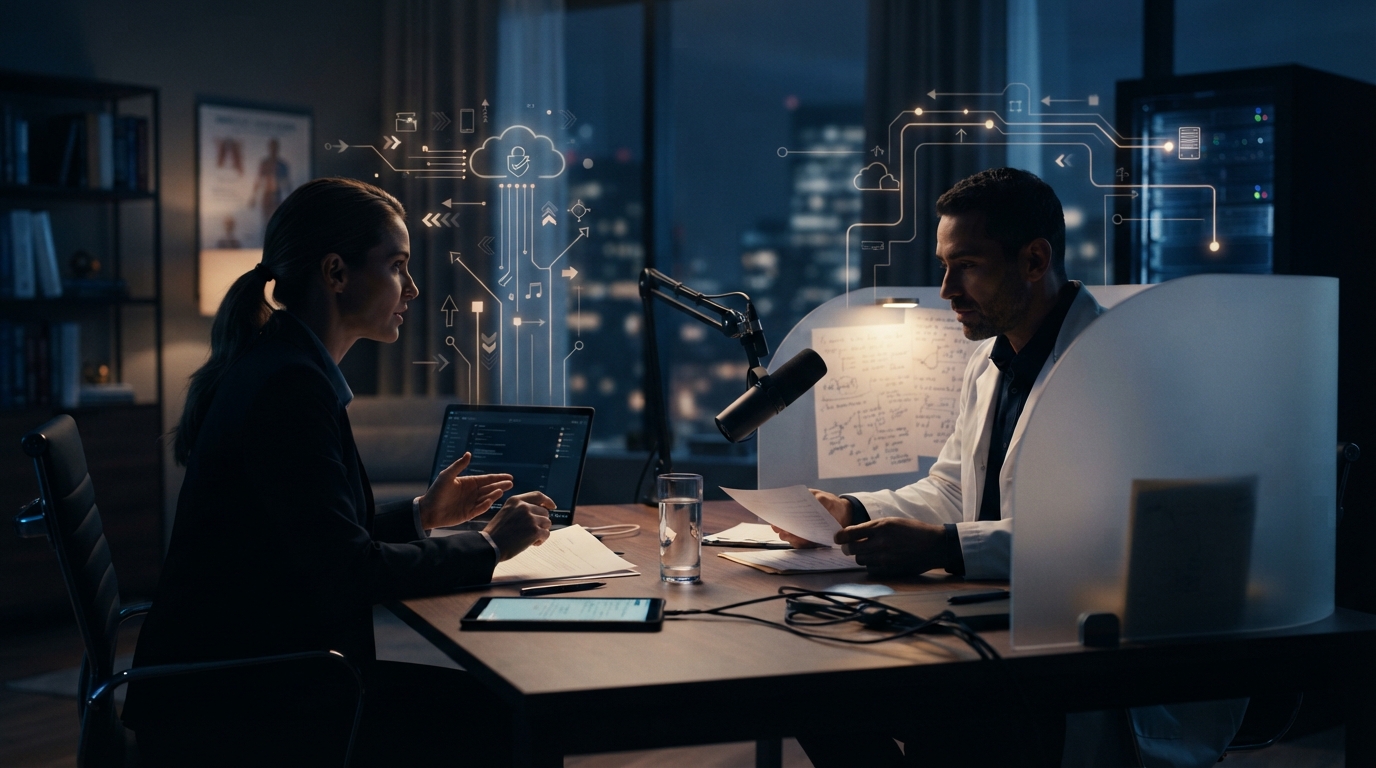
I would not treat the privacy toggle as an answer
I like good dictation. I also do not want a voice tool seeing more of my work than it needs to. That sounds obvious, but the details get fuzzy fast once an app talks about context awareness, cloud processing, and a privacy mode.
A Reddit post about Wispr Flow raised concerns about what a modern dictation product may collect and send away. I am not repeating the post as verified fact. I am taking it seriously as a reminder that users deserve a clear answer before they grant access to a microphone, a screen, or surrounding app context.
The questions I would ask first
What exactly is being captured? Is it just audio, or can the tool use context from the active app? What leaves the device? Where is it processed? How long is it kept? Is it used to improve a model? Can I turn off context features without breaking the part of the product I actually need?
Those questions are not paranoid. They are normal if the words involve a client, a patient, a contract, a financial spreadsheet, or a private codebase. A creator dictating a shopping list and a lawyer dictating a client note are not making the same tradeoff.
What good documentation feels like
I do not want to infer data handling from a permission prompt or a Reddit comment. I want ordinary language, specific controls, and documentation that answers the awkward questions without forcing me to guess. If the answer is not clear, I would ask before building the tool into a daily workflow.
That is the personal rule I would use for any dictation product, not just Wispr Flow: choose the least invasive setup that still does the job.
The permission screen is part of the product
I have started treating permission prompts as a product review. If an app wants the microphone, accessibility control, and context from what is on screen, I do not click through just because I want to try the shiny feature. I stop and ask what each permission buys me, and what I am giving up in return.
That habit can feel a little tedious until the words on the screen belong to somebody else. Client notes, medical details, legal drafts, and half-finished code all look ordinary while they are open in a window. They are not ordinary data once an app starts using them as context.
Local is not just a privacy slogan
Local processing gives people a practical option when they do not want a recording to leave the machine. It is not automatically the right choice for every job, and it may involve different trade-offs in speed or model quality. But having the choice matters. A product that offers both local and cloud models lets the user decide based on the work in front of them.
That’s the part I’d want from any serious dictation tool, DictaFlow included: tell me what runs locally, tell me what uses the cloud, and let me choose without making the settings page feel like a scavenger hunt.